Customise the installer images
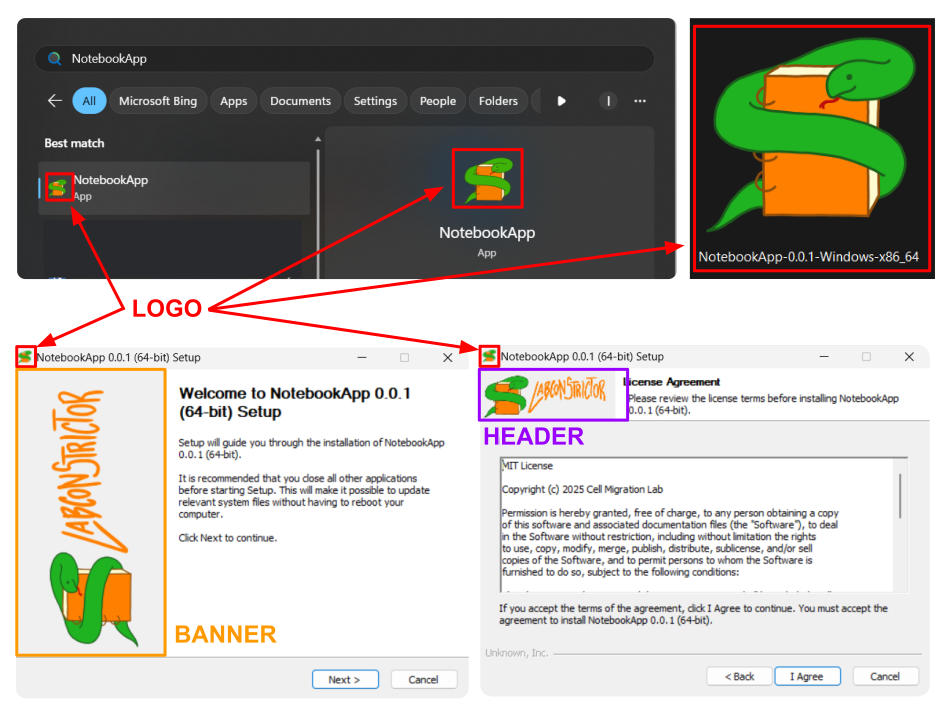
The generated installer and desktop app can be customised with you own images. This will help to give your app a more professional look and feel. This customisation is optional and can be done when initialising your repository or at any time later.
You can provide the following images for customisation:
| Image Type | Recommended Size | Format | Description |
|---|---|---|---|
| Logo | 256x256 pixels | PNG | This image will be used in the executable installer and on the created desktop app. |
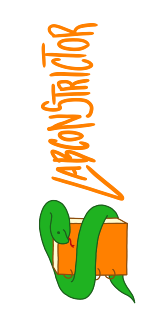
| Banner | 164x314 pixels | PNG | This vertical image will be used as a banner in the installer. |
| Header | 150x57 pixels | PNG | This image will be used as the header in the installer. |
When preparing your images, please ensure they meet the recommended size and format for optimal display. Here are some examples of custom images used in an installer:
Logo:

Banner:
Header:

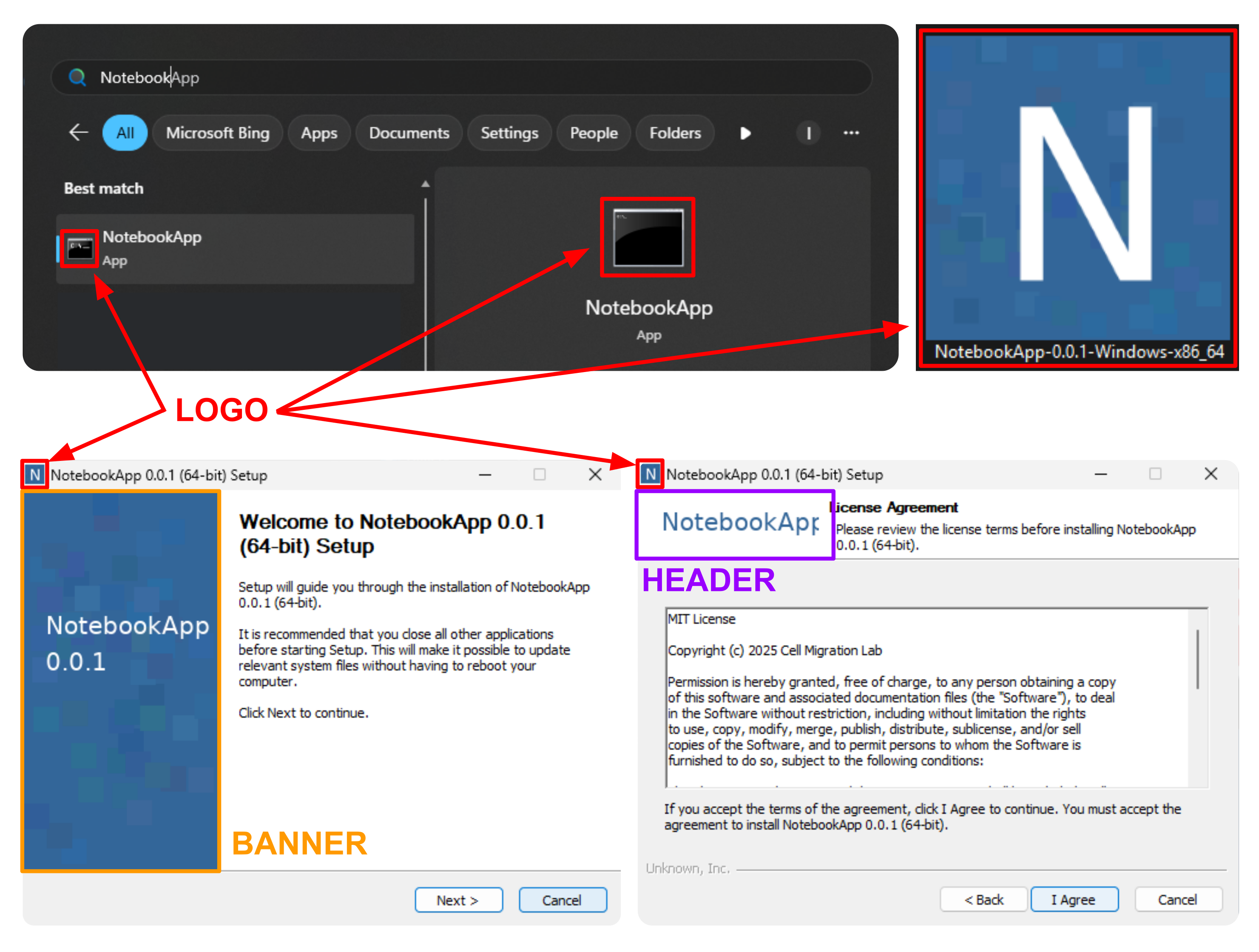
Default Installer
In case you do not provide any images during the initialisation of your repository, default placeholder images will be used:
Customised Installer
When you provide your own images, the installer will reflect your custom branding: